kabarsula Public Wi-Fi: how travellers can stay safe online bandar SLOT INDONESIA
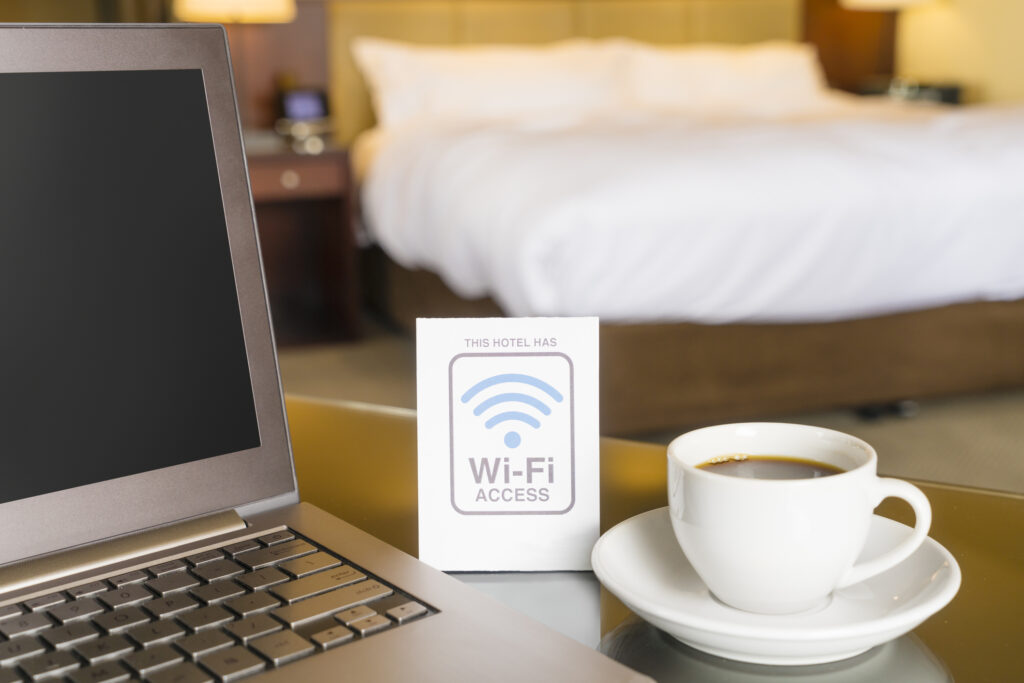
Cafes, airports, hotels and city streets all offer free wi-fi, and most travellers connect without a second thought. Few stop to ask whether the network is safe.
The risk is lower than it once was, because most websites now encrypt data using HTTPS. A padlock or secure connection indicator means information typed into that page is scrambled on its way to the site. But encryption doesn’t cover everything, and criminals have adapted, says private VPN provider Senton.io.
Three common threats
Fake hotspots. The most common trick is a rogue network set up to mimic a legitimate one, often with a near-identical name such as “Free Wi-Fi” or “Hotel Guest”. Because public hotspots rarely require authentication, devices connect easily, and anything that isn’t encrypted passes through the attacker’s hands. That can include emails, logins and card details.
Network sniffing. Sniffers are software that capture and decode data as it moves across a wireless network. IT teams use them legitimately to diagnose problems, but in the wrong hands they can be used to monitor other people’s traffic. Even on a genuine network, the sites you visit can often be seen by whoever runs it, and some apps still send data without encryption.
Shoulder surfing. In a crowded cafe or departure lounge, someone may simply watch as passwords or card numbers are entered. Treat a public Wi-Fi session the way you would an ATM PIN pad.
How to protect yourself
- Use a VPN. A virtual private network encrypts traffic between a device and the internet, hides browsing activity from the network operator and protects data sent by apps that don’t encrypt it.
- Choose a reputable paid provider – free services often fund themselves through advertising and data. A VPN won’t stop you clicking a malicious link or entering details on a scam site, so it is a safeguard, not a cure-all.
- Confirm the network name. Ask venue staff for the exact name of the Wi-Fi before connecting, especially in hotels.
- Turn off auto-connect. Disable automatic joining of wireless networks, and switch Wi-Fi off when it isn’t in use, so a device can’t quietly latch on to a rogue hotspot.
- Switch on the firewall. Make sure it is enabled before going online.
- Turn off file sharing. Set the network profile to public and disable sharing so other users can’t see the device or its folders.
- Be aware of who’s around. Shield screens and keyboards when entering sensitive details.
- For online banking or other high-risk tasks, the safest option is to skip public Wi-Fi altogether and use a mobile data connection or a personal hotspot from your own phone.
kabarsula SLOT